TailRefStudio

Free and open source · Windows, macOS, Linux

Collect. Draw. Pose.On one reference board.

A free, open-source workspace for artists: keep every reference on an infinite board, draw over it with pressure-sensitive ink, and block the pose with a 3D mannequin — all on your own machine.

Version 1.4.4 121 MB GPL-3.0 No account needed

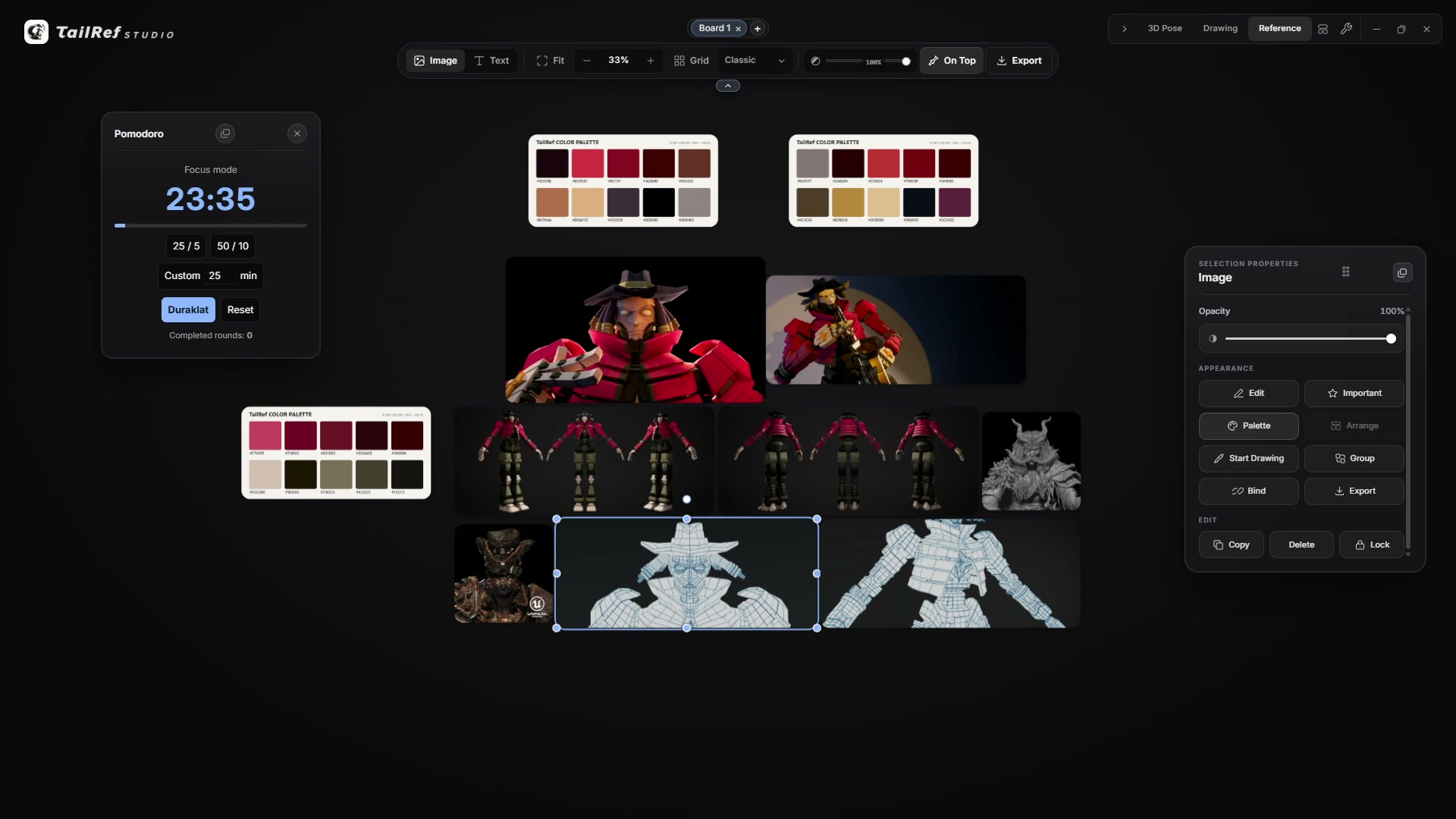
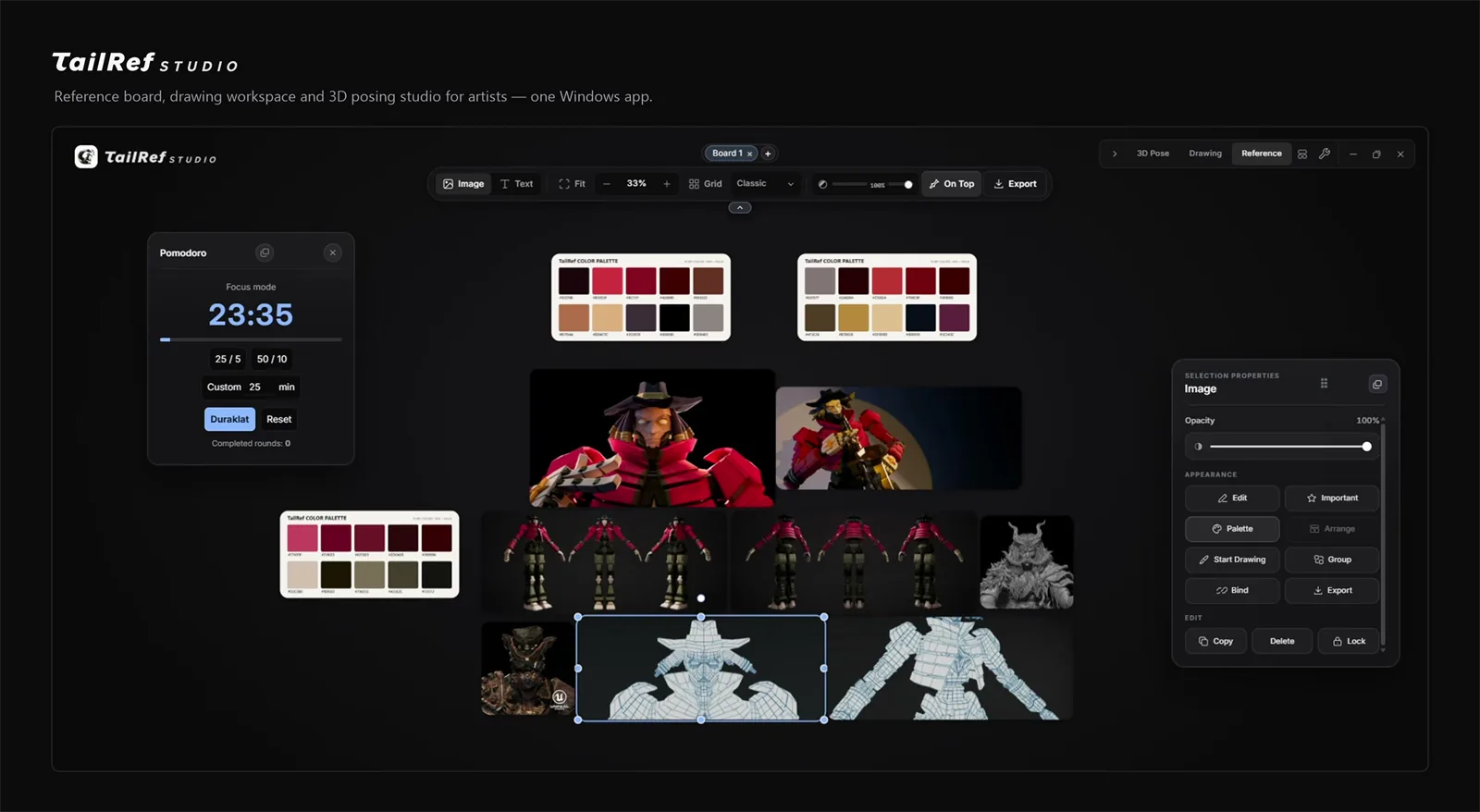
The TailRef Studio workspace: a reference board with palettes, 3D poses, a selection panel and a pomodoro timer

Collect

Drop images on an infinite board, group them, extract palettes and keep notes next to the reference they belong to.

Draw

A pressure-sensitive ink engine with layers, masks, blend modes and Photoshop .abr brush support — trace straight on the image.

Pose

Block a pose with the built-in mannequin, set up the light, then capture the render back to the board.

What is TailRef Studio?

A reference board, a drawing app and a 3D pose tool — in one window

TailRef Studio is a free, open-source desktop app for artists who work from references. Instead of juggling a folder of images, a moodboard website, a painting app and a separate posing tool, you keep everything in one .tail project on your own machine.

Collect images on an infinite reference board, trace or annotate straight on top of them with pressure-sensitive brushes, and block a pose with the built-in 3D mannequin. When the reference is ready, export it to your painting app as an image or PDF — or keep drawing in TailRef.

It runs on Windows, macOS and Linux, needs no account and sends no telemetry. The full source is on GitHub under GPL-3.0-or-later.
Everything in one project

No more alt-tabbing between an image viewer, a moodboard, a drawing app and a posing tool.

Reference board with grouped images, colour palettes and selected images

The reference board

An infinite canvas built for collecting. Drag files in, arrange and group them, lock what should not move, and read the palette straight out of an image.

  • Infinite board with groups, notes and text
  • Palette extraction from any image
  • ArtStation and Pinterest panels in a sandbox
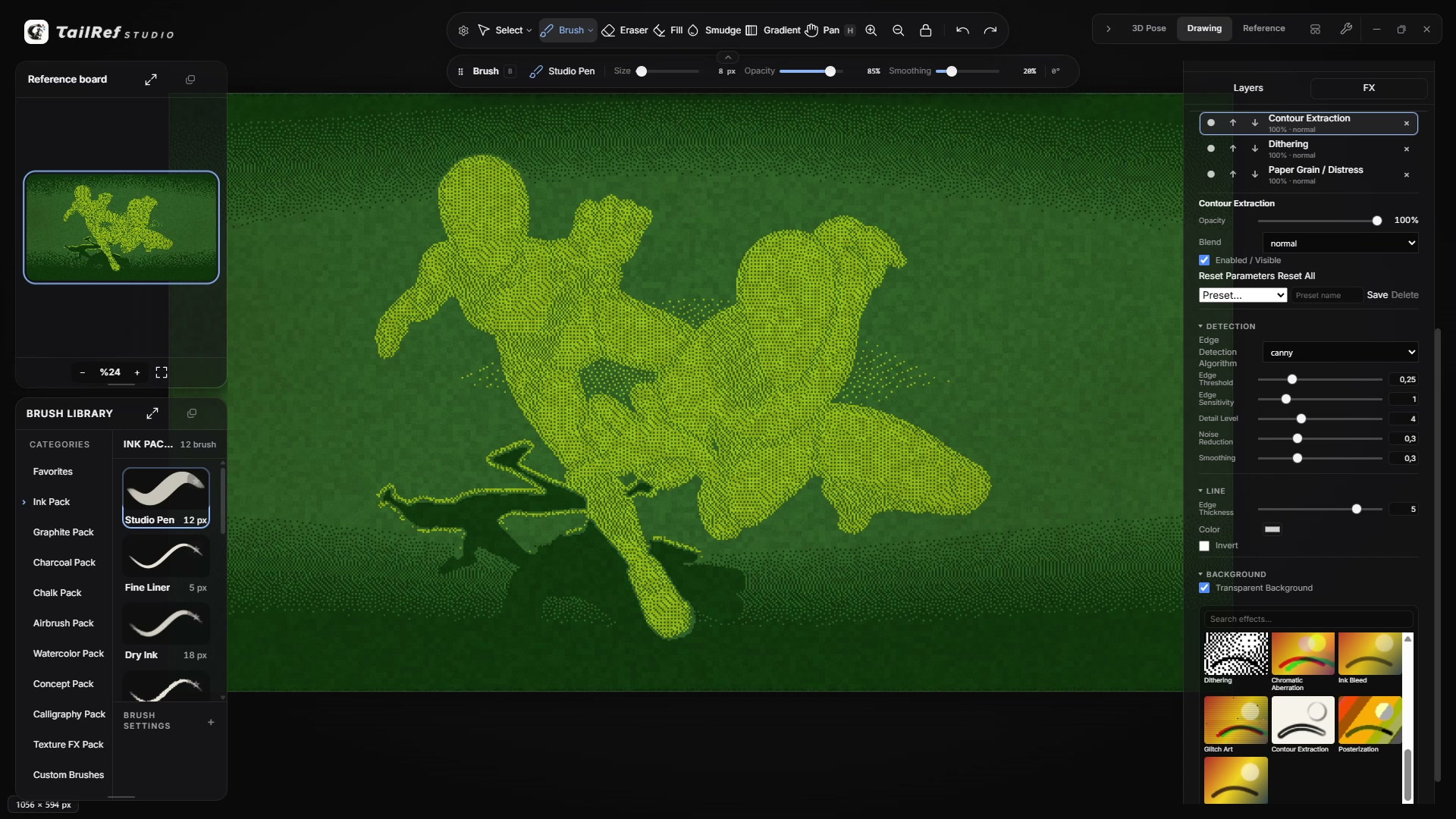
Drawing over a reference image with the brush engine and the FX stack

Draw over the reference

A pressure-sensitive ink engine with layers, masks, blend modes and stabilisers. Trace, paint or annotate on the image itself — and bring the Photoshop brushes you already use.

  • Layers, masks, blend modes, stabilisers
  • Imports and exports .abr brush libraries
  • Native brush editor with per-brush presets
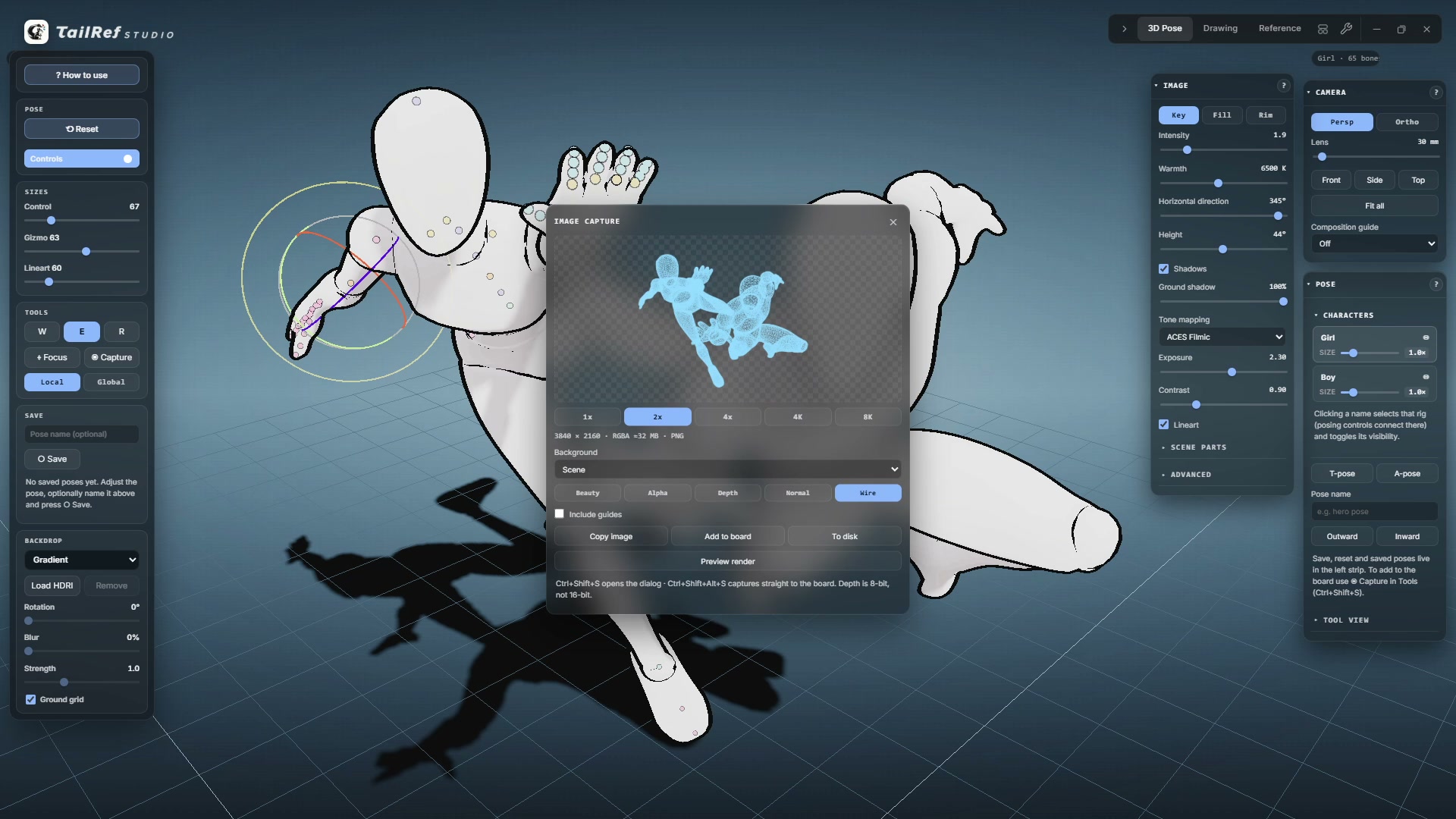
Posing a 3D mannequin and capturing renders to the reference board

Pose in 3D

Start with the built-in two-figure mannequin, set up lighting and an HDR environment, then capture the pass you need straight to the board.

  • Built-in two-figure mannequin, ready to pose
  • IK, gizmos, lighting and HDR environments
  • Beauty, alpha, depth, normal and wireframe passes up to 8K
  • Custom model import in progress
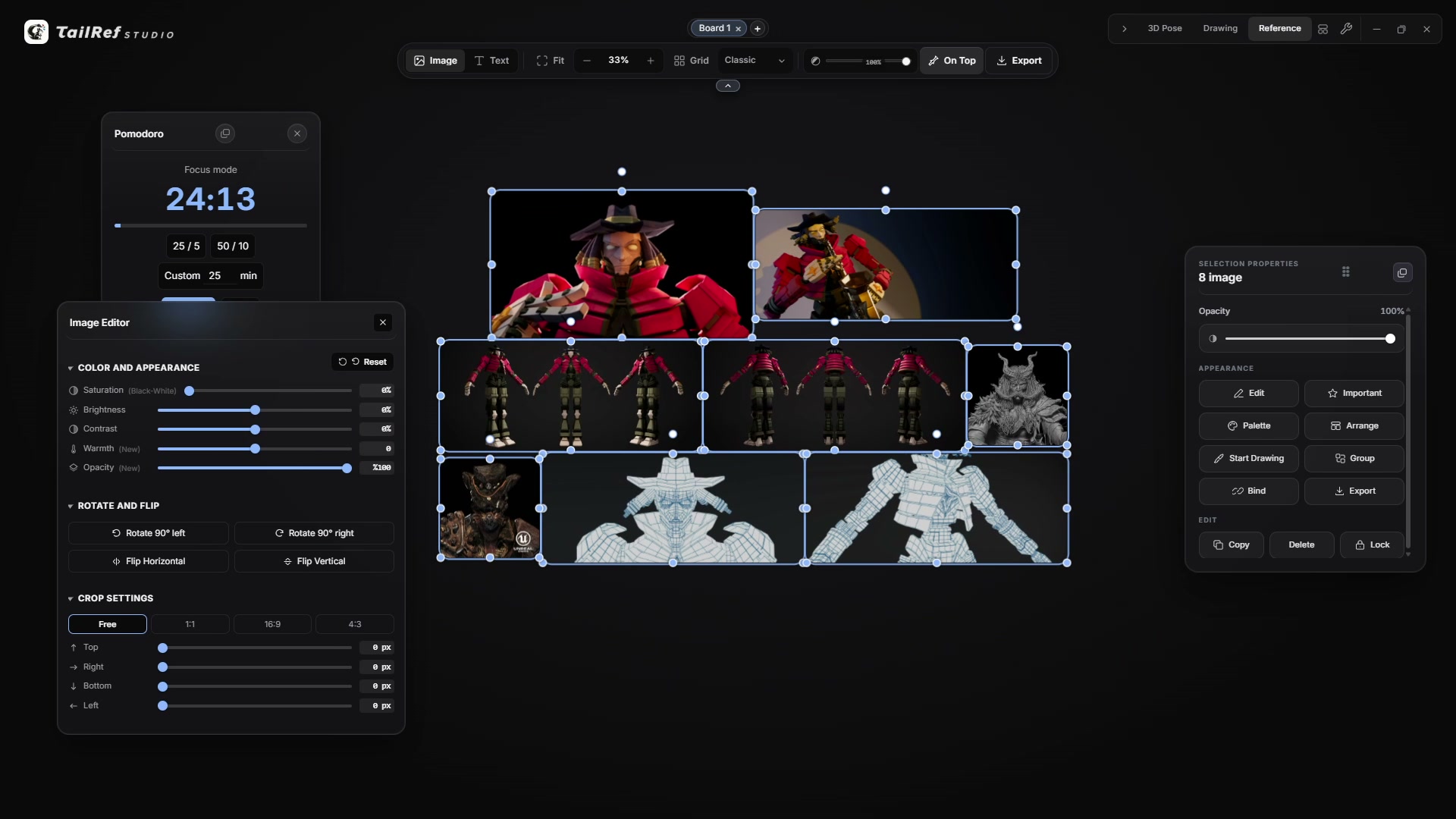
The built-in image editor with crop, resize and adjustment tools

Grade and edit in place

Select any number of references and grade them together — saturation, brightness, contrast, warmth, rotate, flip and crop presets — with a non-destructive FX stack and a before/after preview.

  • Batch grading across a whole selection
  • Non-destructive FX stack with presets
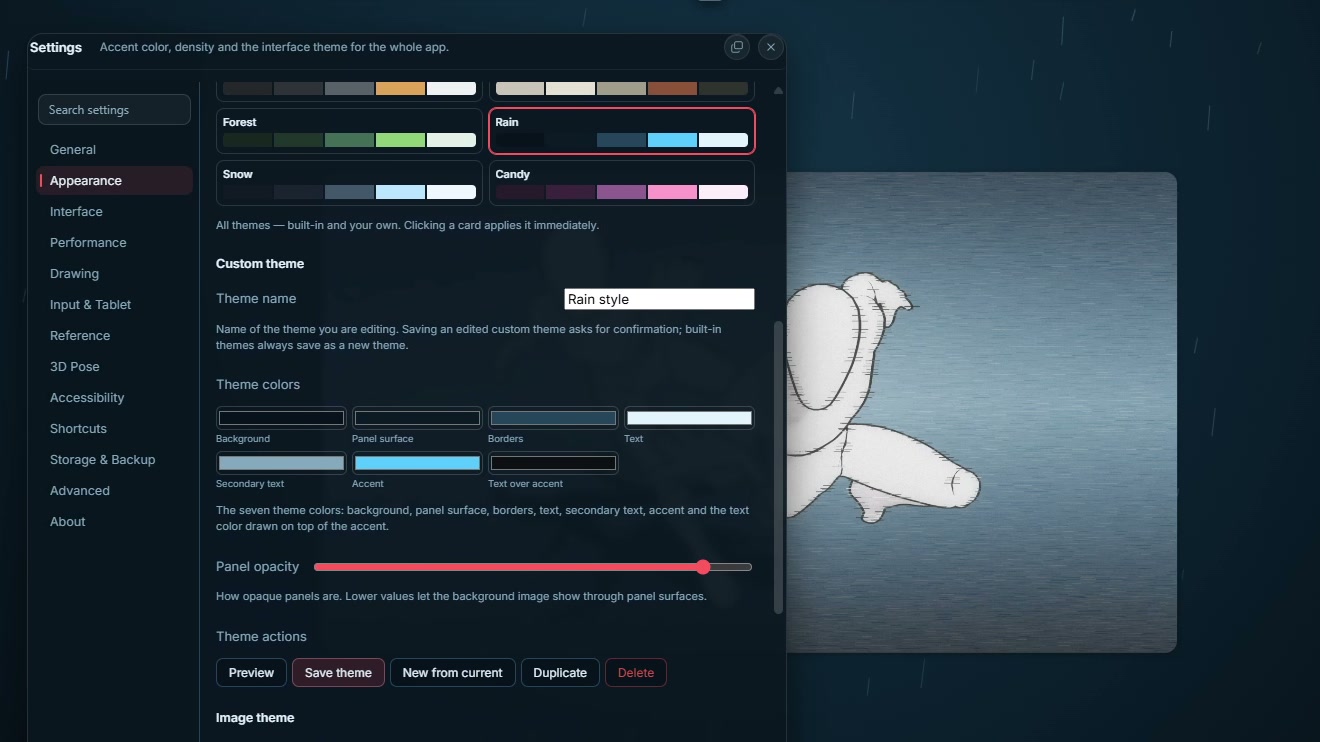
  • Crop, resize and export without leaving the app

A look inside

Captured from the app, not mockups.

Download TailRef

Version 1.4.4 · free, no account required.

Also available

Requirements

macOS: builds are ad-hoc signed but not notarized by Apple. On first launch, right-click the app and choose Open.

Free and open source, forever

TailRef is licensed under GPL-3.0-or-later and built in the open. Use it, study it, change it, ship work made with it — commercially too.

No account, no telemetry

Download and start working. Nothing phones home.

Offline by default

Everything runs locally; only the optional reference panels use the network.

Your files stay yours

Projects are plain .tail files with backups and recovery.

Source on GitHub

Issues, releases and the full history are public.

View the source Read the license

Questions

Is TailRef really free?

Yes. TailRef is free and open source under GPL-3.0-or-later. There is no paid tier, no subscription and no account. Donations are optional.

Does it work offline?

Yes. Everything runs on your machine and projects are plain .tail files on your disk. Only the optional ArtStation/Pinterest panels and update checks use the internet.

Which formats can I bring in and out?

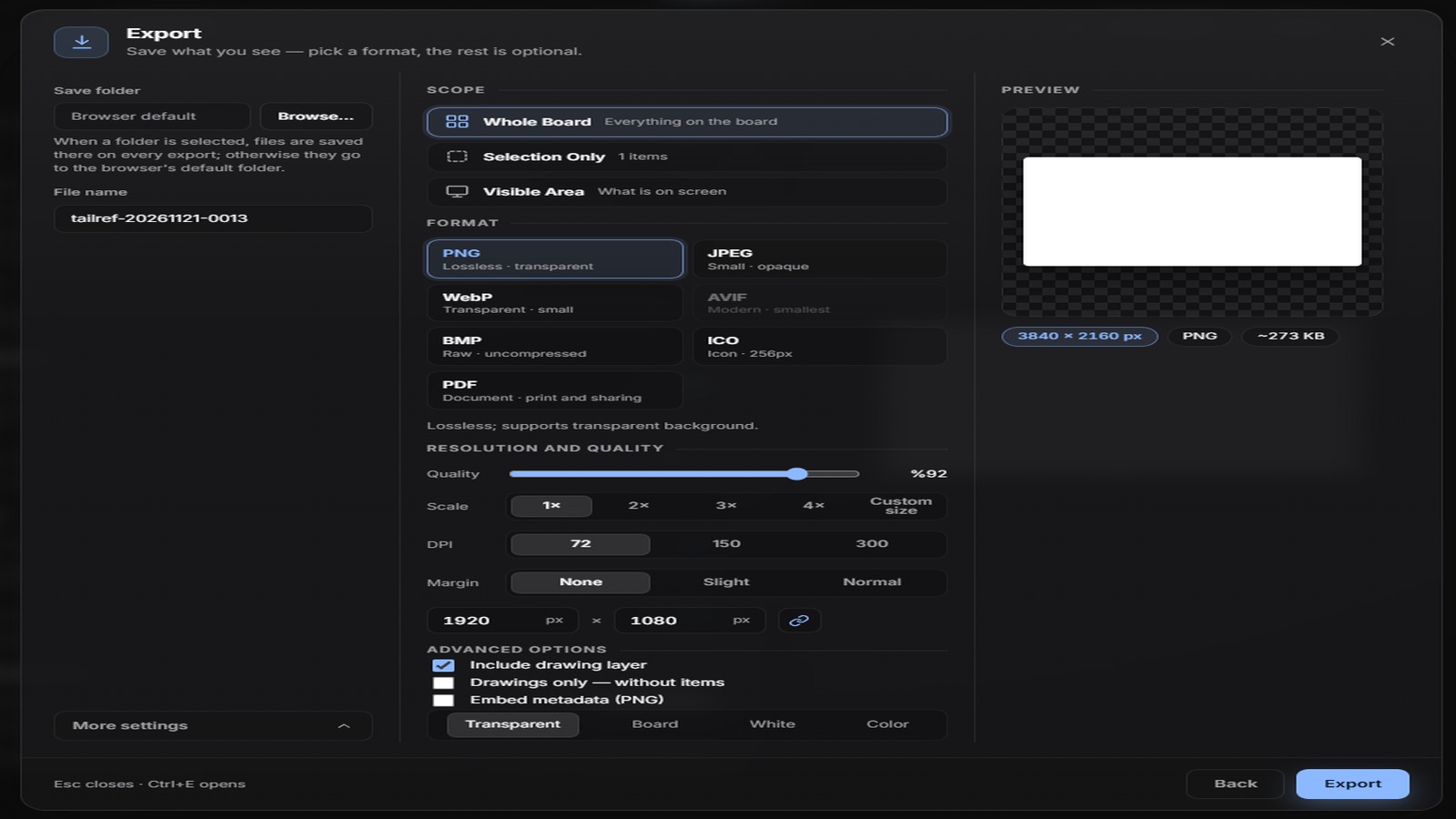
Images in the common web and print formats, plus Photoshop .abr brush libraries. Export as PNG, JPEG, WebP, AVIF, BMP, ICO or PDF.

Can I use my own 3D models?

Not yet. The built-in two-figure mannequin covers most posing work today, and loading your own FBX, GLTF/GLB and OBJ files is being worked on right now — it will arrive in an update. Follow the devlog to see when it lands.

Does it replace Photoshop or Clip Studio?

No. TailRef is built for the reference-and-blocking stage: collect, annotate, pose, and take the result into your painting app as an image or PDF.

How is it different from PureRef?

Both keep your images on one canvas and stay above your painting app. TailRef adds drawing on the reference, palette cards and 3D posing in the same project. If you want a tiny single-purpose pinboard, PureRef is the lighter choice — there is a full comparison if you want the details.

Why does macOS warn on first launch?

The builds are ad-hoc signed but not notarized by Apple. Right-click the app and choose Open once; after that it launches normally.

Where do I report a bug or ask for a feature?

Open an issue on GitHub. Small reproductions with the project file attached are the fastest way to get a fix.