
TailRef is now playable in your browser
Try TailRef without installing anything
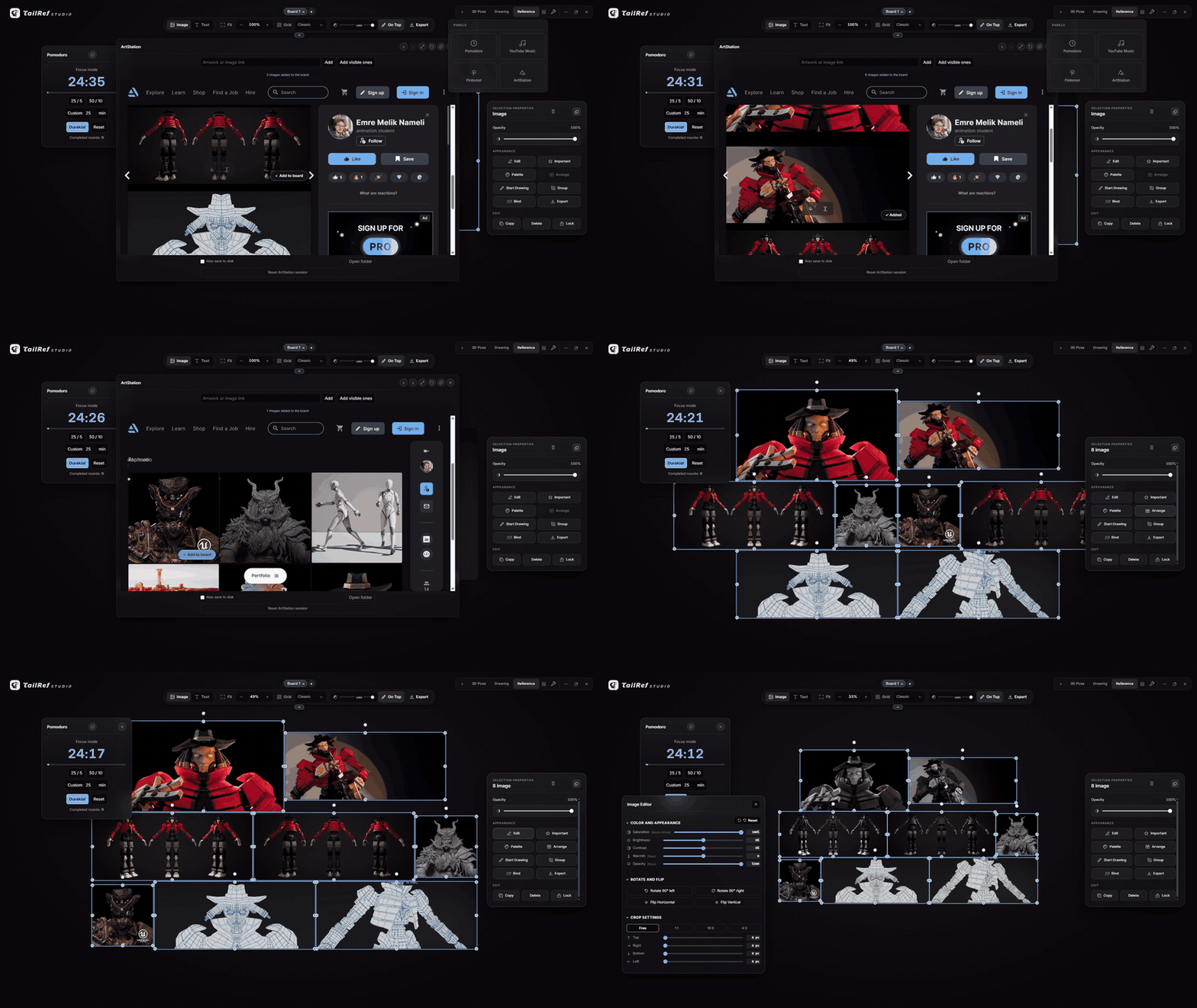
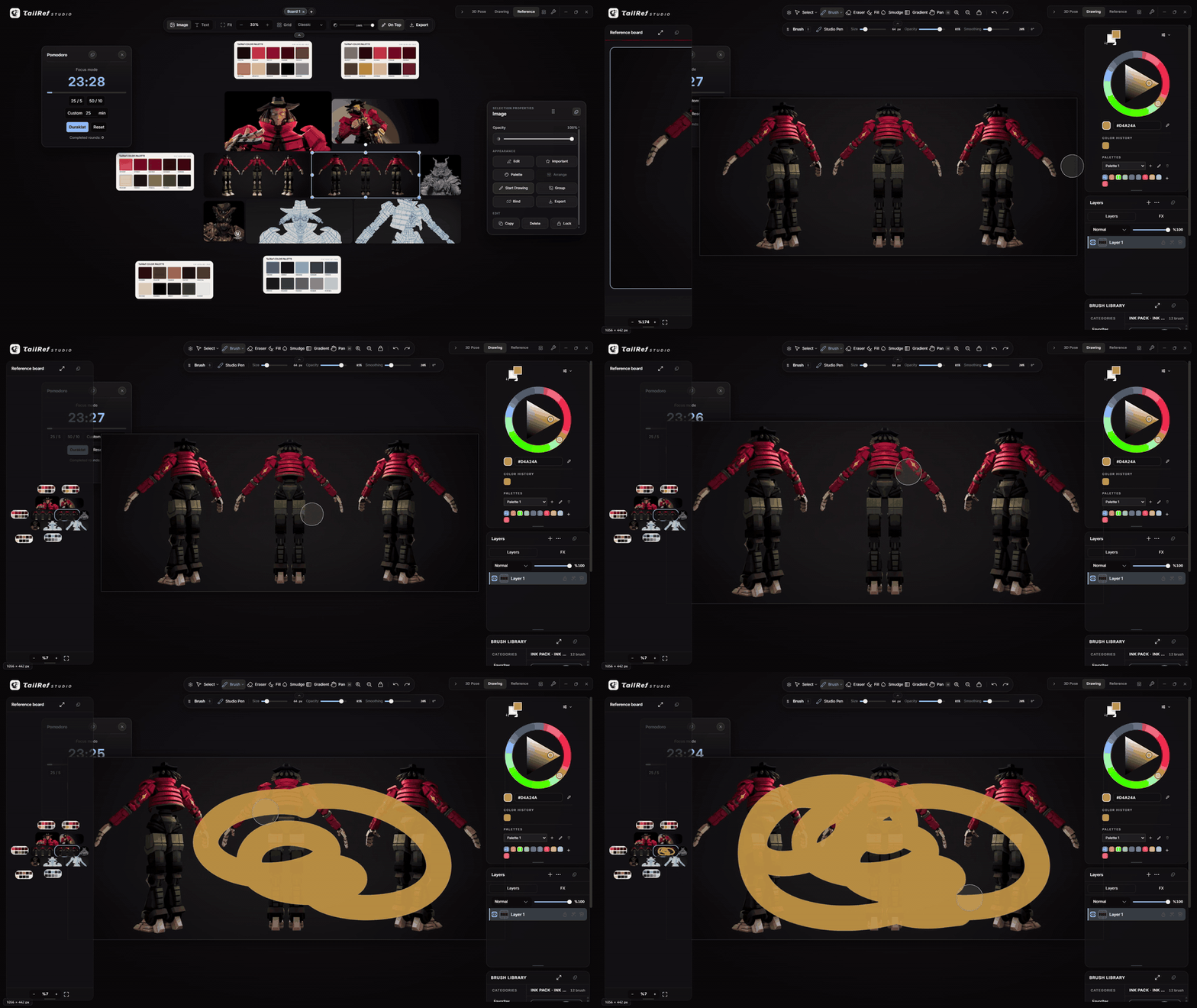
The TailRef Studio page now has a playable demo. Press Run tool at the top of the page and the workspace opens right in your browser: drop in references, arrange the board, draw over an image, and pose the 3D mannequin.
What the demo can and cannot do
Everything that makes TailRef useful is there: the reference board, drawing layers, the pose tool, the image editor and the FX stack. Mouse pressure is switched on by default, since browsers do not report pressure from a mouse — the stroke reacts to how fast you move instead.
The demo is deliberately browser-only. Your board lives in that tab and disappears when you close it; .tail saving, backups, auto-updates and the native file system need the desktop app. When you are ready to keep your work, download the build for your platform — Windows, Linux and macOS are all on 1.4.4.
Tell me what breaks
If the demo feels wrong anywhere — pressure, cursor, layout, speed, a shortcut that does not fire — say so in the comments. The browser build is new, and that feedback decides what gets fixed next.
Thanks for trying it. If TailRef saves you time, a download or a coffee keeps it moving.
Keep your workThe desktop build saves boards, runs offline and updates itself.
Download TailRef